Fun learning games
made for your child.
Logic, math, reading, memory and discovery. 870 activities across 54 topics, and a track picked for them each day.
Free to start · No account needed to play · No ads
The worlds they'll wander
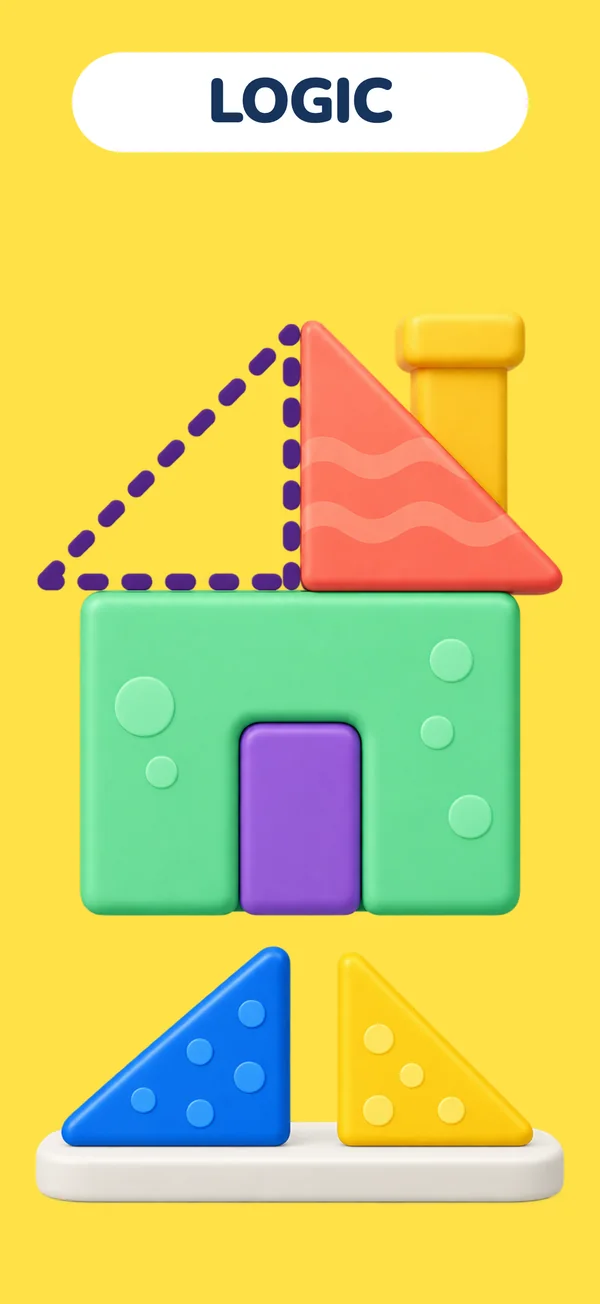
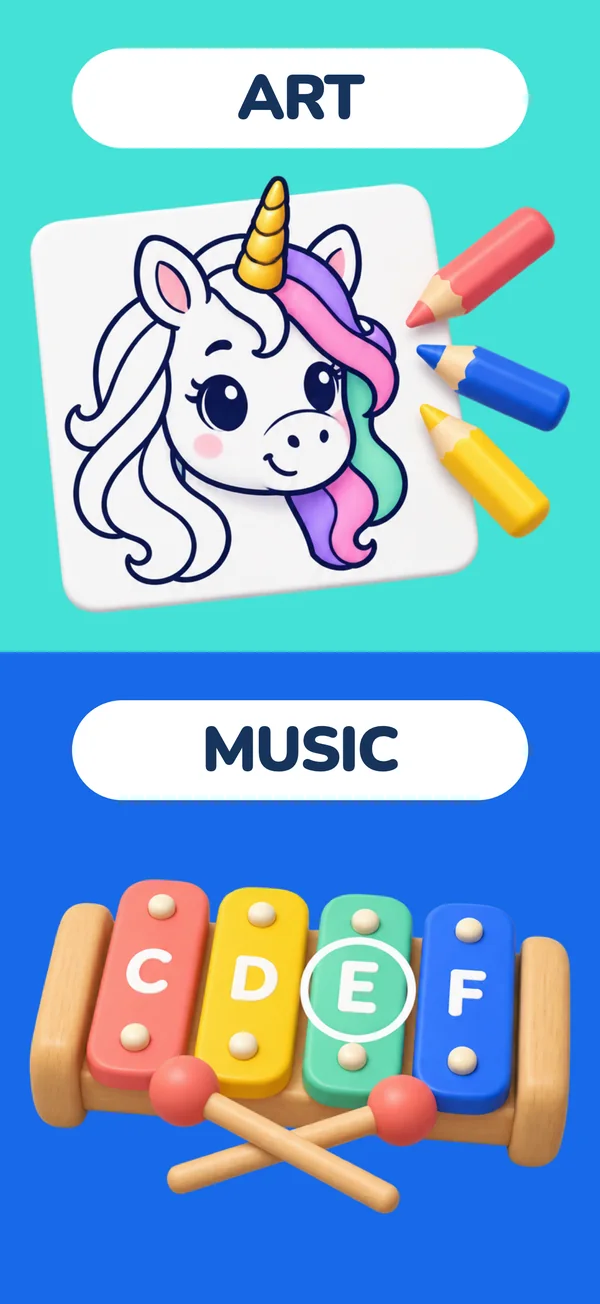
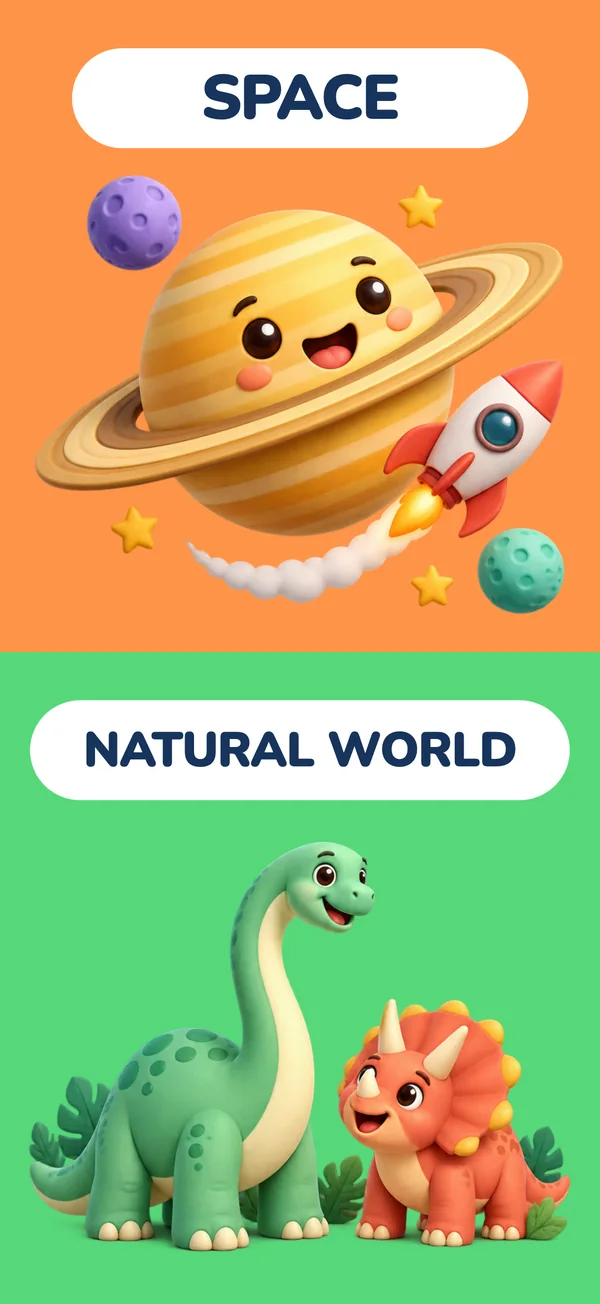
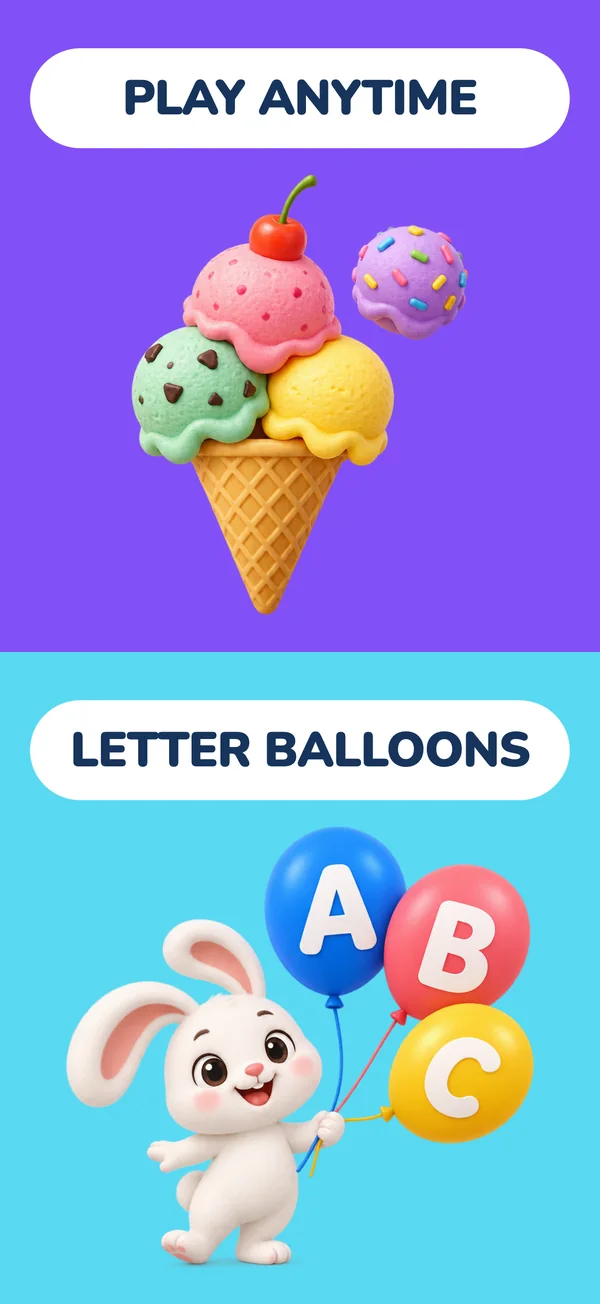
One app, seven worlds to play in.
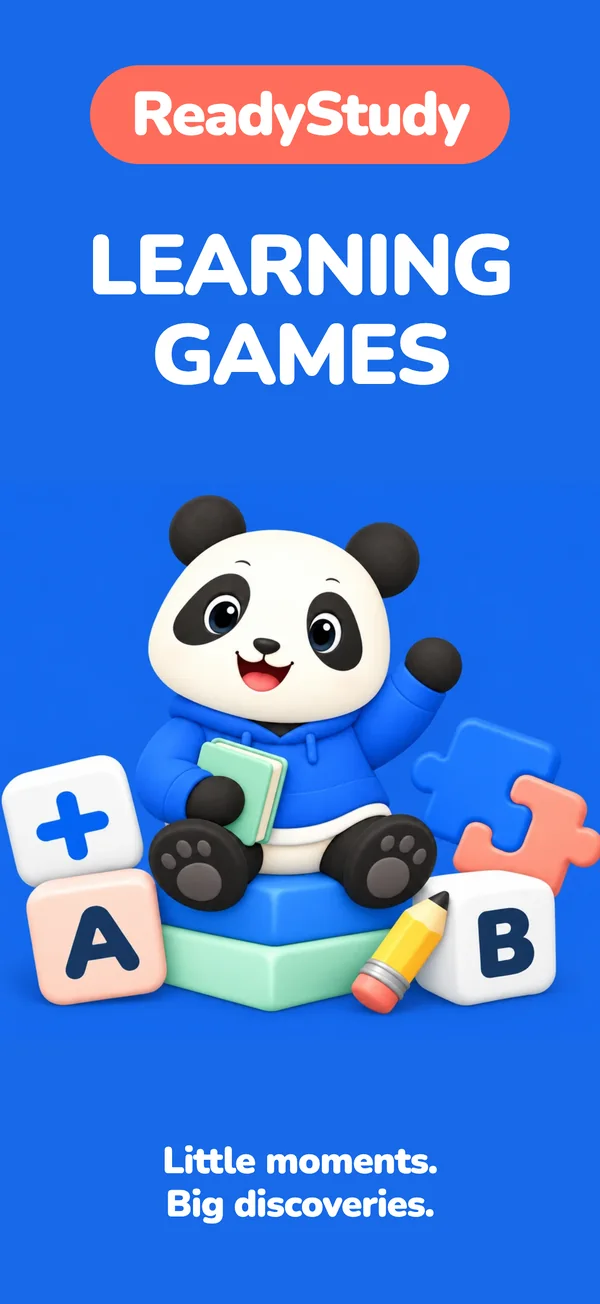
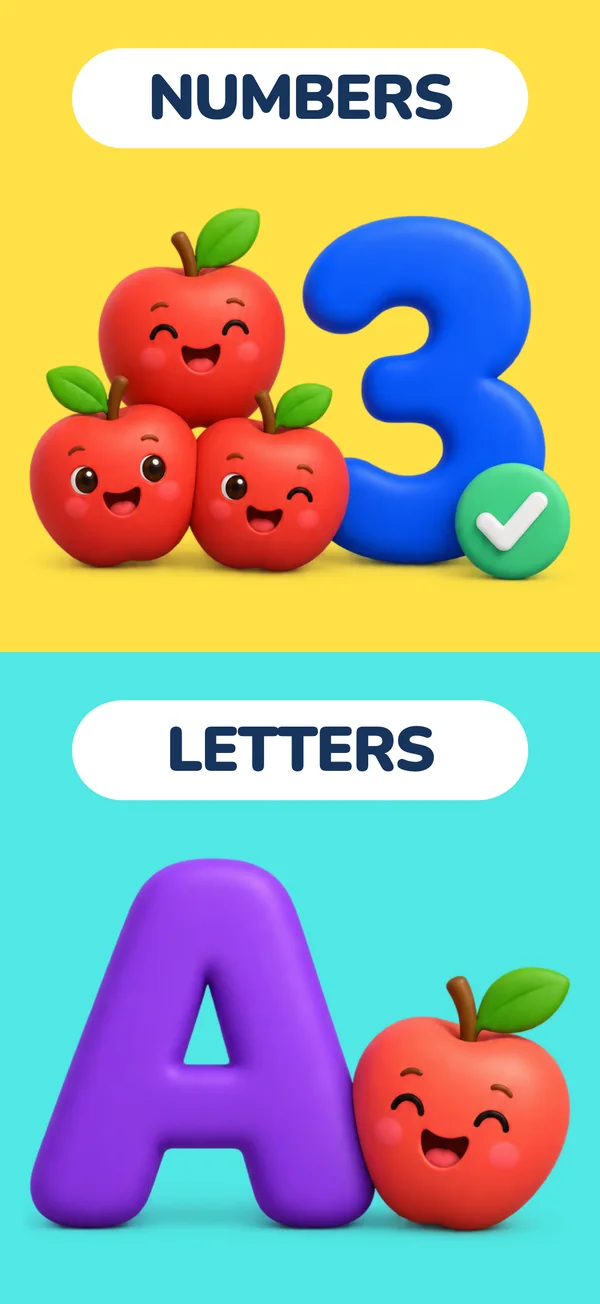
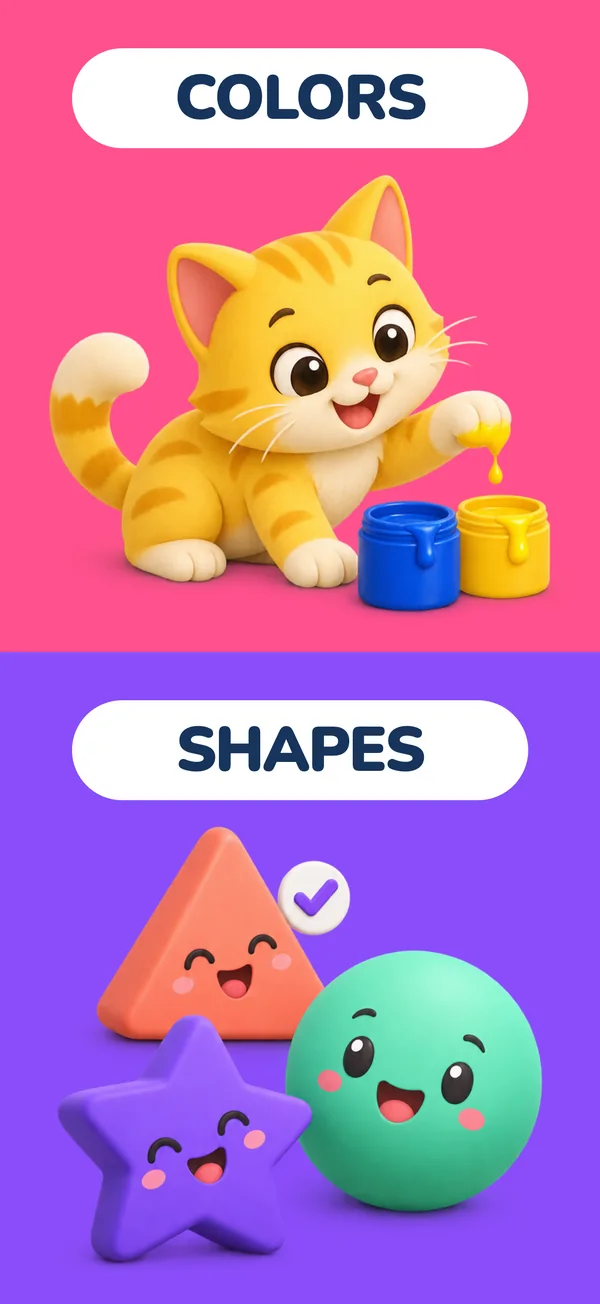
Numbers and letters, colors and shapes, logic, art and music, space and the natural world — and games that work anywhere, no internet needed.
Their home
A home that's theirs from the first tap.
Big cards, nothing to read, and everything one tap away — this is the actual home screen, rebuilt here pixel for pixel.
Hi Sophia!
Age 6 · Explorer
Today's Learning
A fun mix of games just for you!
Continue Playing
Space & Planets
4 / 8 completed
My Stars
Keep going!
Recommended for You
Explore by Category
🔢 Math
8 topics
- A track picked for them
- Today's Learning is a daily mix chosen from their age, interests and what they've already solved — not the same list for every child.
- They pick up where they left off
- Continue Playing keeps the half-finished topic one tap away, and stars mark what they've mastered.
- Grown-ups have their own door
- For Parents sits behind a small arithmetic gate, so exploring fingers stay in the games.
The library
870 activities. 54 topics. No filler.
47 guided topics that build in order, 6 games they can replay, and 1 creative topic for coloring and making.
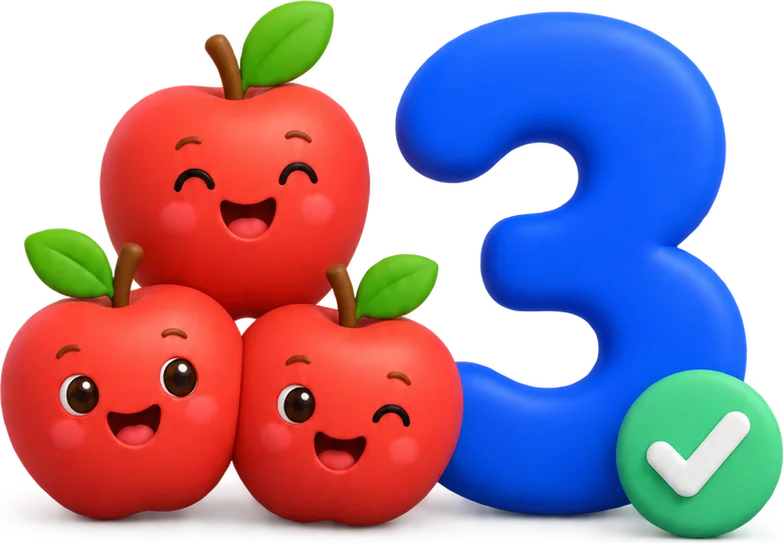
Math
15 topics · 199 activitiesCounting, comparing, adding and taking away, shapes, and telling the time.
- Counting to 10
- Addition within 10
- Shapes
- Telling Time
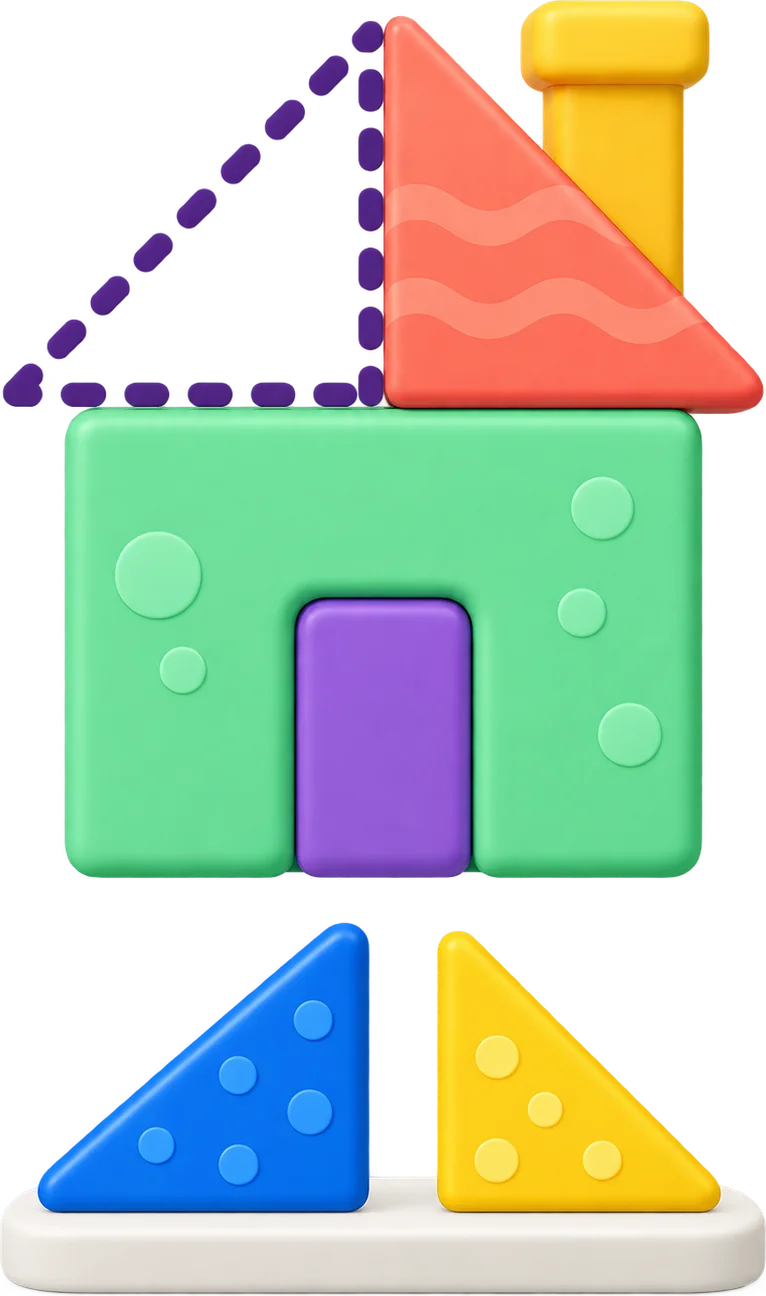
Logic & Thinking
17 topics · 277 activitiesOdd one out, patterns, sequences, sorting, memory, and listening puzzles.
- Odd One Out
- Patterns
- Sequences
- Listen and Repeat
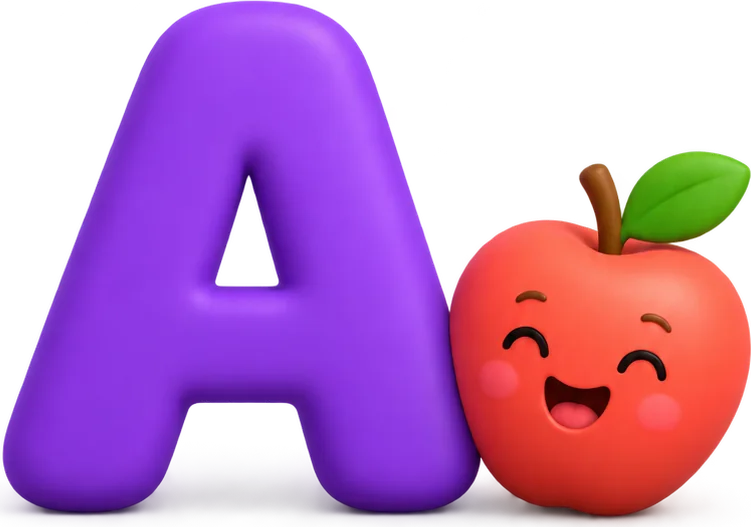
Reading & Words
13 topics · 209 activitiesLetter sounds, rhyming, sight words, spelling, and listening for sounds.
- Letter Sounds
- Rhyming Words
- Sight Words
- Spelling Words
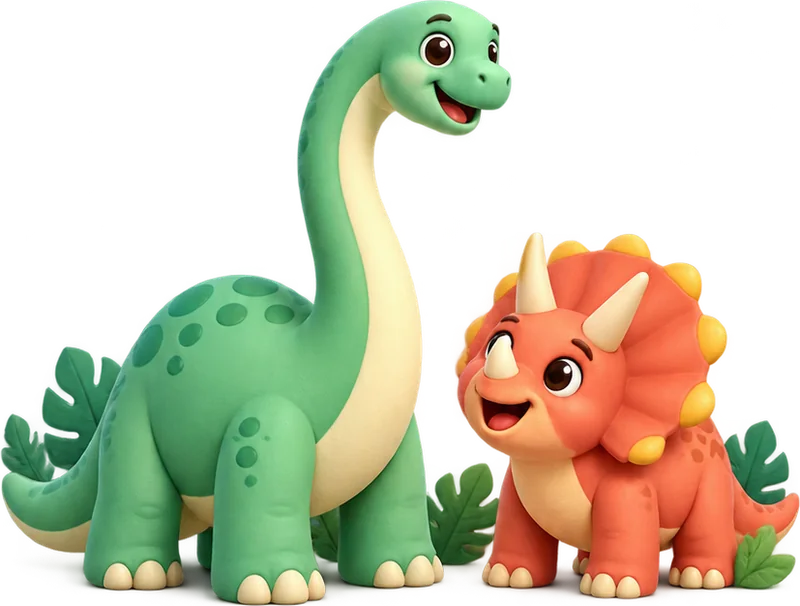
Explore
5 topics · 83 activitiesDinosaurs, the ocean, space, animal homes, and how their own body works.
- Dinosaurs
- Ocean Life
- Space & Planets
- My Body
Life & Feelings
2 topics · 26 activitiesPractice taking turns, noticing feelings, including others, and making things right.
- Taking Turns & Making Things Right
- Emotions
Coding
1 topics · 12 activitiesBuild instructions, guide a rover, fix programs, and discover how Repeat makes a plan shorter.
- Junior Coder Lab
Create & Play
1 topics · 64 activitiesChoose a picture to color, or start with a blank canvas.
- Coloring
How it works
They can start playing in a minute.
No sign-up wall between your child and the first game.
- 1
Tell us about them
A few taps: how old they are, what they already know their letters and numbers up to, and what you'd like them to work on. No birthday, no email, no account.
About a minute
- 2
They get their own track
Their home fills with a daily mix picked from the 870 activities, plus rows to wander through by subject. Almost every activity reads itself aloud, so a child who isn't reading yet can still play alone.
Read aloud, tap to answer
- 3
You check in when you want
For Parents sits behind a quick number gate. Inside: a calendar of what they played, how much they solved on the first try, and which topics are moving.
Behind a parent gate
Ways to play
17 kinds of game, not 870 of the same one.
They can move tiles, trace letters with a finger, color pictures, match pairs, put things in order, and sometimes just listen to a story with nothing to answer at all.
Tap the triangle.
Every activity speaks its question aloud and is answered by tapping — a child who isn't reading yet can still play on their own.
- Pick the answerTap the one that fits405
- Trace and writeDraw the letter or shape with a finger71
- Match the pairsJoin what belongs together70
- Put in orderArrange them from first to last49
- TilesBuild the answer out of tiles41
- MemoryRemember where the pairs were24
- Read the clockSet or read the hands11
- StoryListen and look, no answer needed16
- Life scenarioChoose what to do and see what happens12
- Visual codingBuild instructions, run them, and fix the result12
- ColoringChoose colors and fill a picture64
- Copy the pictureRecreate a pattern on the grid15
- Listen and repeatPlay the sounds back in order15
- Matchstick puzzlesMove sticks to solve the puzzle24
- Roll to the heartBuild a path for the ball14
- Turn the pipesRotate pieces to connect the path12
- Where is the ball?Follow the hidden ball as cups move15
For parents
The part they don't see.
Start free, upgrade when you're ready.
- Free to start, no account
- Start with selected topics and included offline games, without a parent sign-in. Student profiles and learning progress are saved on our servers. An optional parent account lets you continue across devices. Artwork stays on its original device.
- No ads
- No advertising in the games, and no student information used for advertising. An optional Premium subscription unlocks more learning content, with purchases behind a parent gate.
- For Parents is behind a gate
- Settings, progress and anything to do with payment sit behind a small arithmetic question, so a four-year-old exploring by tapping stays in the games.
- You can see what they did
- A calendar of the days they played, what they solved on the first try versus with a second go, and how far along each topic is.
October 20
3 new puzzles solved
Math
Logic & Thinking
47 / 380 new puzzles
Turn school lessons into learning activities.
We're working on a way to turn a worksheet, photo or PDF into activities based on what your student is studying. Coming soon. Schoolwork uploads, quiz generation and AI chat are not included in the current app.
Already using ReadyStudy?
The older parent study tools remain separate at app.readystudy.app. Saved data has not been deleted as part of the change. For help with older content or a previous subscription, contact support.
FAQ
Questions parents ask first.
Available on iOS and Android
Learning starts with play.
870 activities for ages 2–10. Free to start, no account needed, and no ads.